
When you are ready to invite team members or all employees to the platform, use this method:
(You have to be logged in as administrator before you can follow these steps)
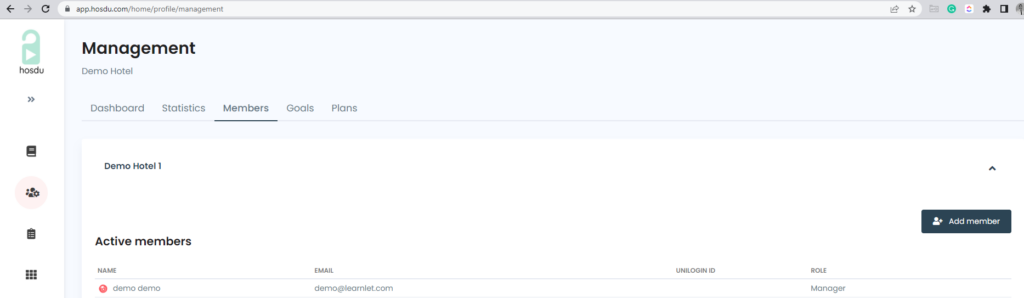
- Click on the management module
- Then “Members” on the top menu
- You will see an overview of your organization and list of employees

- Click the “Add member” button and type the needed information

- Once you click on the “Add member” button, the employee will receive an email with an invitation and guide for first time login.