
Help & Support

1. Login (App)
LOGIN FROM APP / SMARTPHONE
This require you have a smartphone and account created. If you don’t have an account, contact HR department.
1. Open AppStore (iPhone) og GooglePlay (Android phones)
2. Search, find and download app: Hosdu
3. Open Hosdu App

4. Touch “Sign in” button
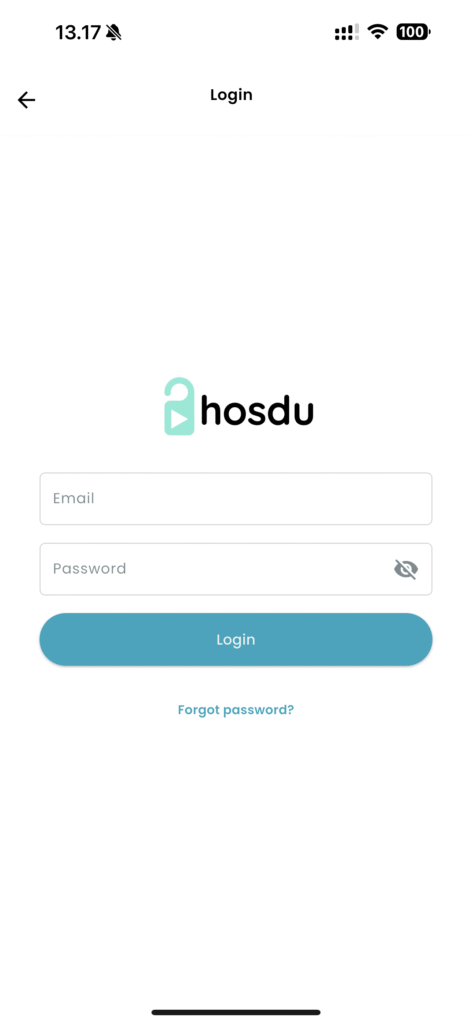
5. Insert your email address and password. If it’s first time you login, usually, your email address is your username and the password.
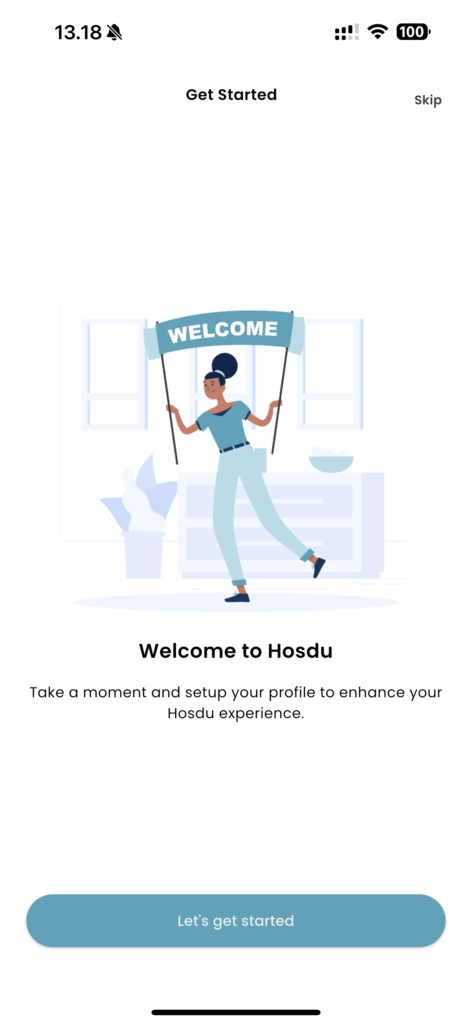
6. If it’s first time you login, you will be guided in the app. Click on “Let’s get started”
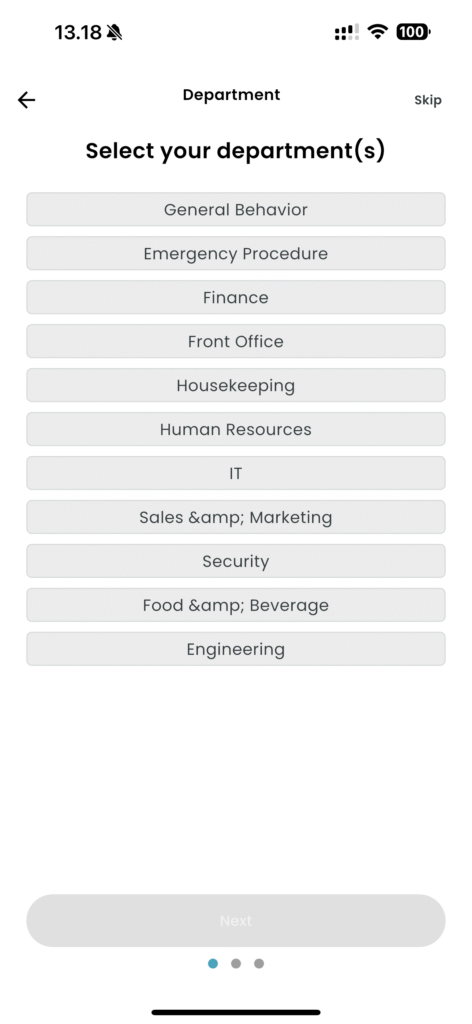
7. Choose the department(s) you work in
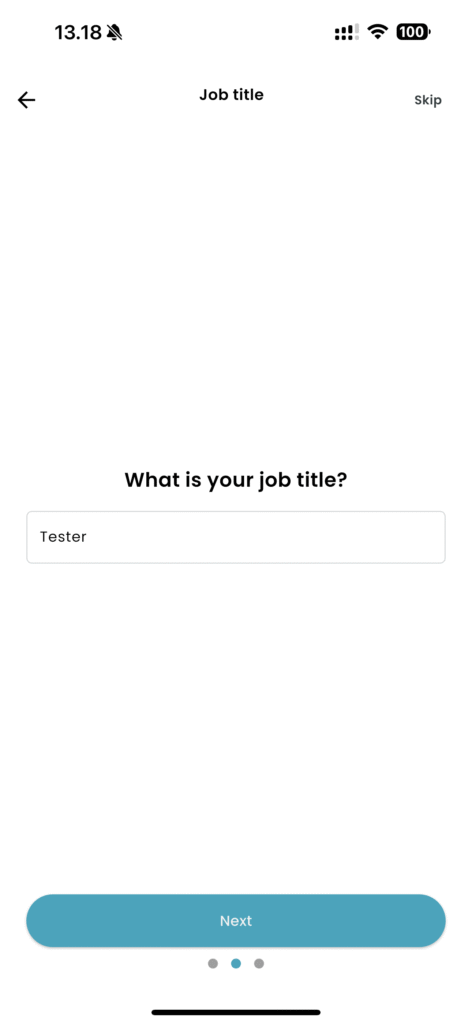
8. Add you job titel
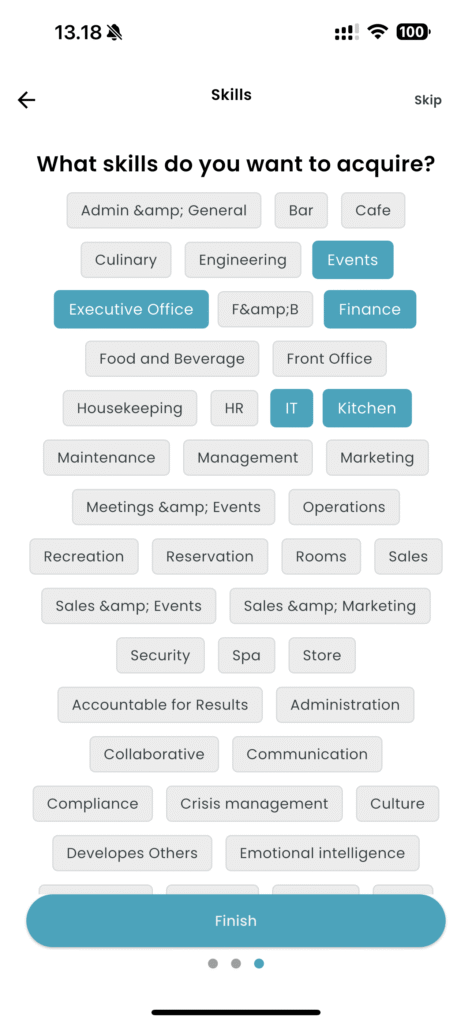
9. Choose the skills you want to acquire or subjects you think it’s interesting.
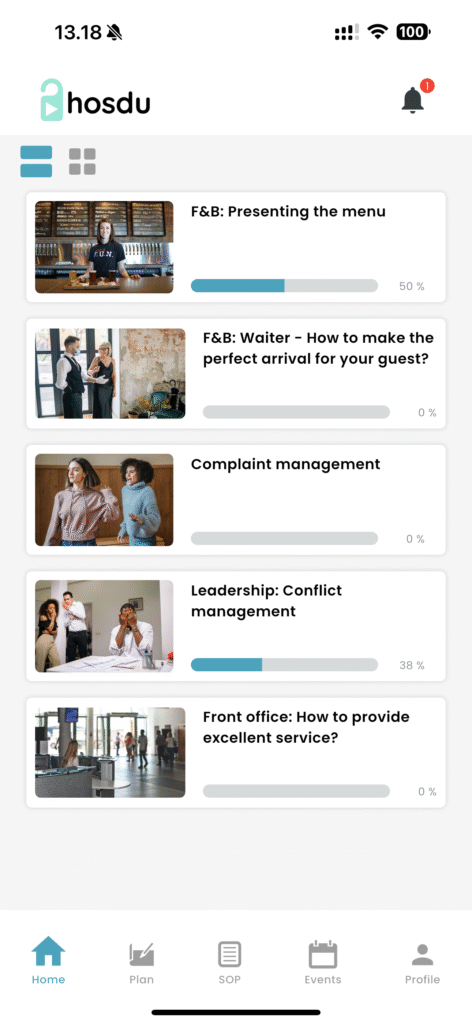
10. Now you are logged in to the app, and you can from bottom menu choose different pages.