Help & Support

1. Login (Web)
WEB LOGIN
1. Go to page “app.hosdu.com” in the web browser
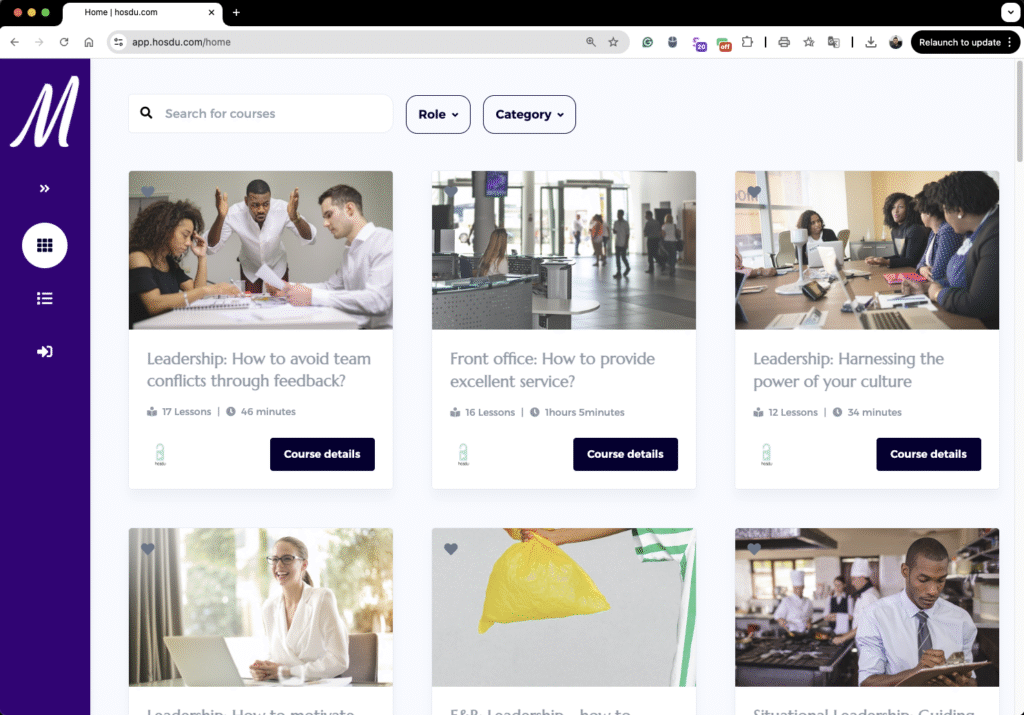
2. Click on the login icon in left menu

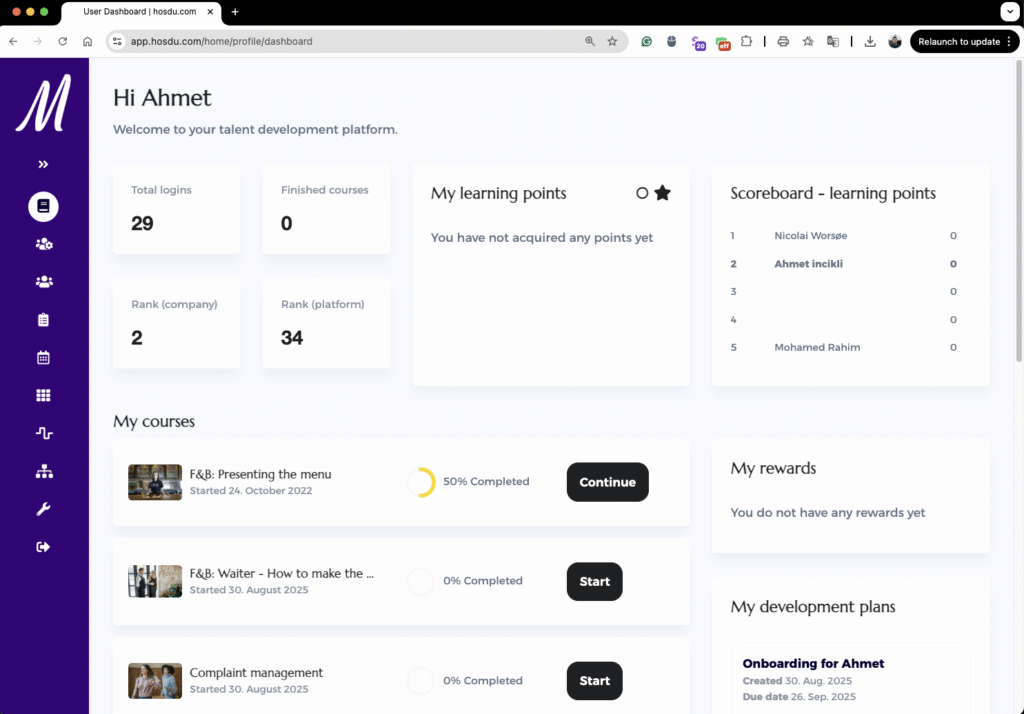
3. Now you are logged in. Here you can see your dashboard and see active courses/training and assigned SOP