
Help & Support

2. Start learning (courses)
1. In Home view you can find the assigned courses for you. If this page is empty, then you have no assigned or active courses.
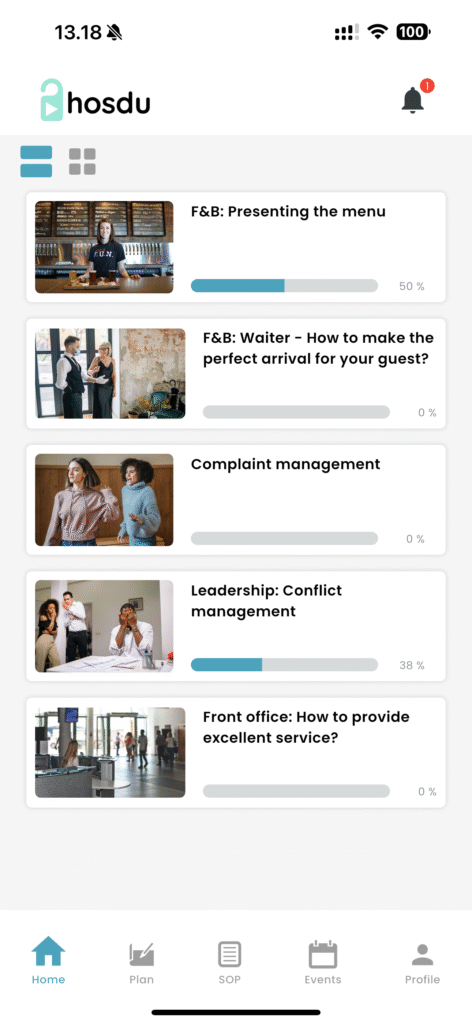
2. If you see active courses, then click on it. This will open a new page with detailed course modules and lesson you can click through and start learning by simply clicking on the video. Our courses are video based, so there will be videos with sound you can see and listen to.
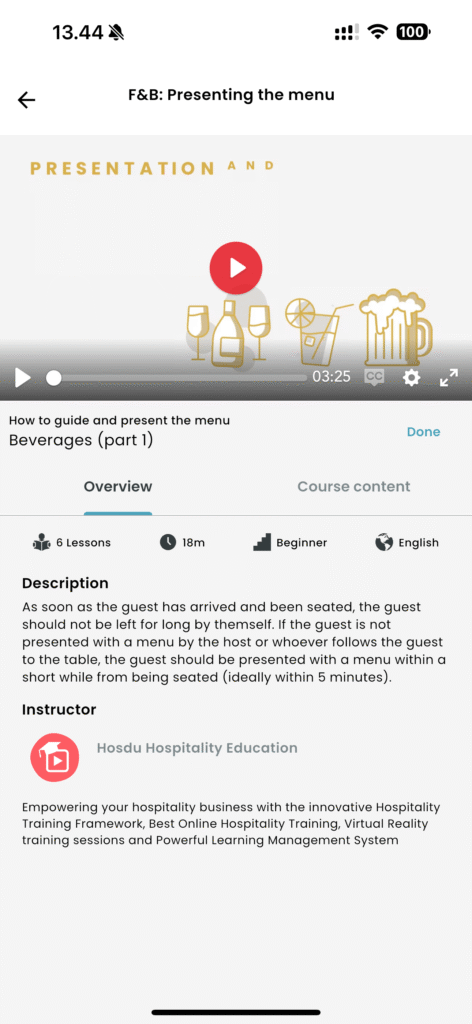
3. Remember to click on “Done” below the video once you are finished. One course can contain several videos and lesson, so make sure to see the course content. In the above image, you can see this course have 6 lessons. You have to see all the 6 videos, and click done for all of them. When you finish the last video/lesson, then you will see:
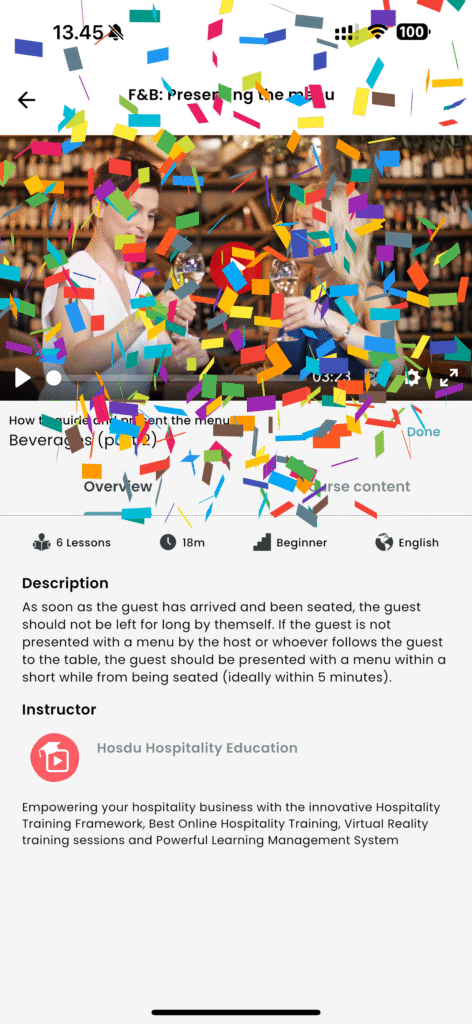
Congratulations. You finished the course